Productivity Apps vs Screen Time on iPhone
Screen Time is Apple’s built-in monitor and limit system. A productivity app adds a focused workflow, such as timers, tasks, or accountability. The best choice depends on whether you need measurement, blocking, or a repeatable plan.
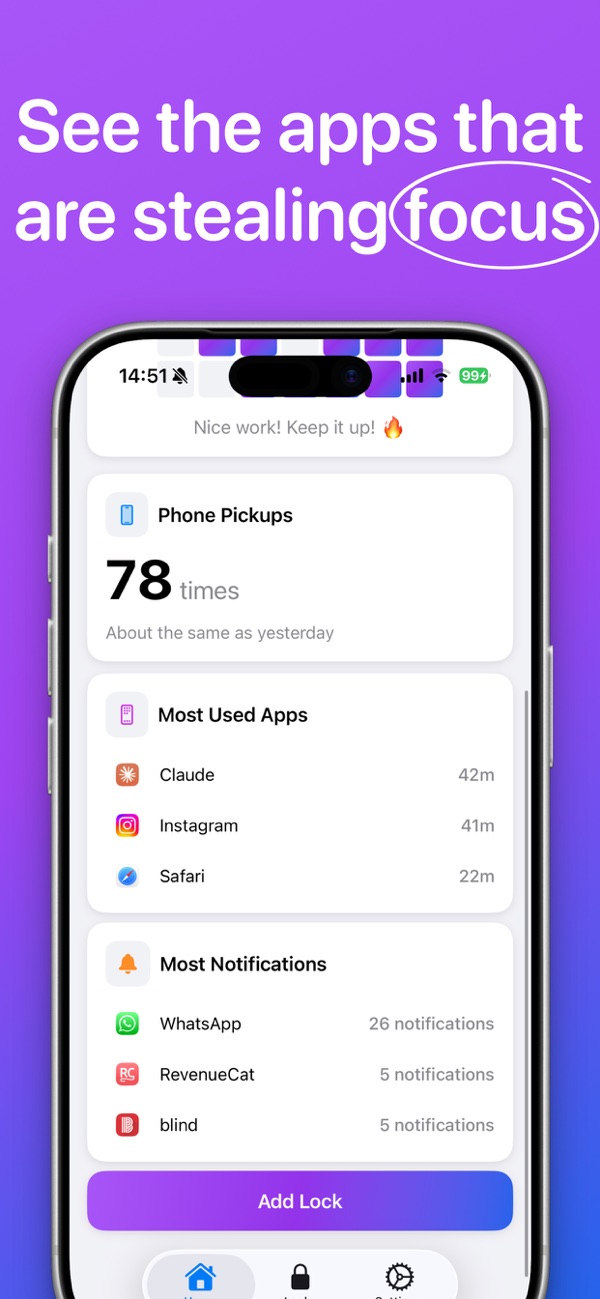
The practical difference
Use Screen Time when you need
- • Usage reports and app-by-app allowances
- • Downtime schedules and family controls
- • Content, purchase, and privacy restrictions
Use a productivity app when you need
- • A focus timer, task list, or project workflow
- • Goals and reminders outside Apple’s settings
- • A specific behavior-change or accountability method
A sensible iPhone setup
Start with Screen Time App Limits and Downtime for boundaries. Add a productivity app if you also need a structured focus session or a way to turn reduced phone use into a positive routine. Avoid installing multiple tools that all claim the same job.
Apple’s current guidance: App Limits and Downtime.